Fortnite Pirate Shop Token 2026 vs. 2027: How the Two Windows Work
Understand the Fortnite Pirate Shop Access tokens for 2026 and 2027, when each 14-day window starts, and what to check before activating either one.
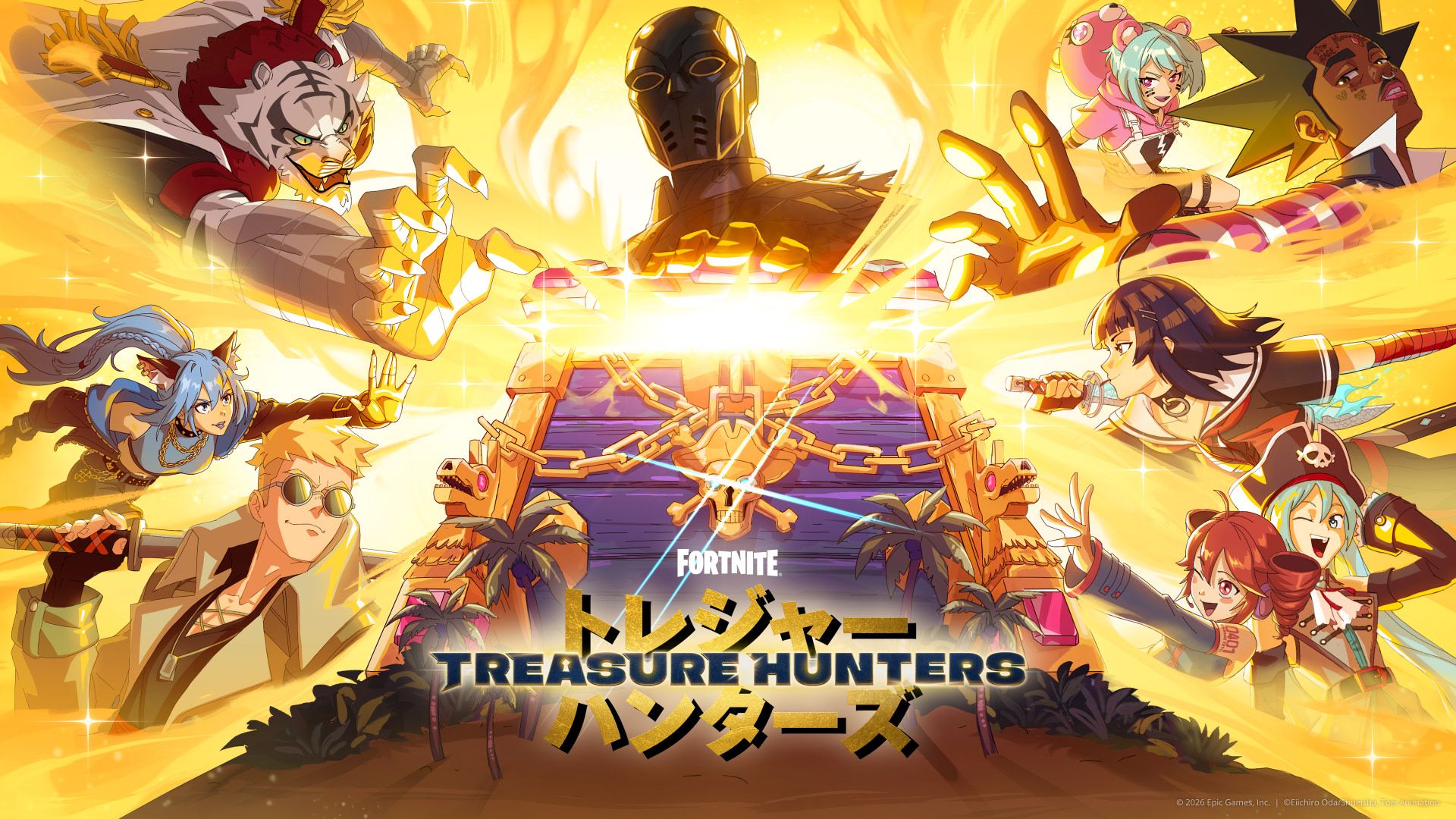
If you found Pirate Shop Access during Fortnite’s Treasure Hunters season, the 2026 and 2027 labels can make the reward sound like one long shop pass. They refer to separate access windows. Each activation gives you a limited period to claim eligible Item Shop offers, and the 14-day timer starts when you activate it—not when a chest drops the reward.
What are the 2026 and 2027 Pirate Shop tokens?
Current in-game notices and launch-week reporting describe two Pirate Shop Access items: one marked for 2026 and another marked for 2027. Treat them as separate activations. Finding the reward does not automatically start both timers, and using the 2026 item does not turn the 2027 item into another immediate two-week period.
The 2026 item has a reported activation deadline of December 15, 2026. Check the date and time shown on your own item before you use it; the game’s current notice is the best reference for your account and time zone. The second item is intended for its 2027 window. Read its label in the Item Shop rather than assuming the dates from an older post will stay unchanged.
Epic’s Treasure Hunters announcement describes the mini-season and its schedule. It does not publish a numeric Pirate Shop drop rate. For the reported token rules and exclusions, see this Fortnite Pirate Shop Access overview; use the in-game activation screen if it differs from older coverage.
When does each 14-day timer begin?
The timer begins when you activate the corresponding access item in Fortnite’s Item Shop. Opening the chest, receiving the reward notice, or claiming the token is not the same as starting the shop window. You can keep an unactivated item and decide when to use it, subject to the deadline displayed in game.
That distinction matters because Fortnite’s shop rotates. A two-week window gives you time to review eligible offers as they appear, but it does not make every cosmetic ever released available at once. If you activate too early, the timer continues while the shop changes from day to day.
A practical activation checklist
- Confirm the item year. Open the reward details and check whether it says 2026 or 2027.
- Read the deadline. Save the exact date shown in your game. Do not rely on a countdown from an unrelated site or a different time zone.
- Look at the current shop. Decide whether the eligible offers available now are worth starting the 14-day period.
- Activate only the window you intend to use. The 2026 and 2027 items are separate; do not assume they can be combined into one continuous 28-day pass.
- Claim offers individually. Access makes eligible items available to claim during the active window; it does not automatically add the whole shop to your Locker.
If you still need the reward, our guide explains how to get Pirate Shop Access in Fortnite. For the uncertainty around chest drops, see what is known about the Fortnite Pirate Shop token drop rate. No player can guarantee that a token will appear in a particular match.
Can you save the 2027 token?
The two year labels indicate separate windows, so do not activate the 2027 item as if it were extra time for the 2026 period. Before pressing an activation button, read the confirmation screen and make sure it names the year you plan to use. If the displayed rule changes after an update, follow the current game text.
The 2026 deadline also means “save it” does not mean “wait forever.” If you own that item, plan around its in-game expiration date. The 2027 item has its own future window; its precise dates should be checked in the reward details when Epic makes them available.
What is not confirmed?
Epic has not published an official numeric chance for finding Pirate Shop Access in the materials linked above. A community estimate is not a promise or a countdown: opening more chests does not mean the next one is due. Avoid anyone selling a guaranteed token, account access, or an external “activation” service. The reward is handled in Fortnite, and no third-party page needs your Epic password or verification code.
For the step-by-step process, read how to activate the Fortnite Pirate Shop Access token. Always review the current in-game item text before starting a limited-time window.